Customizing Your Fonts with Built In Glyphs
What is a glyph?
In typography, a glyph is essentially a graphic shape that can represent a character, or part of a character. They can have the appearance of numbers, letters, punctuation or even a decorative form. Some fonts provide not only a standard set of letters, numbers, and symbols, but include variations as well. The term “glyph” often refers specifically to these variations.
What are the different types of glyphs?
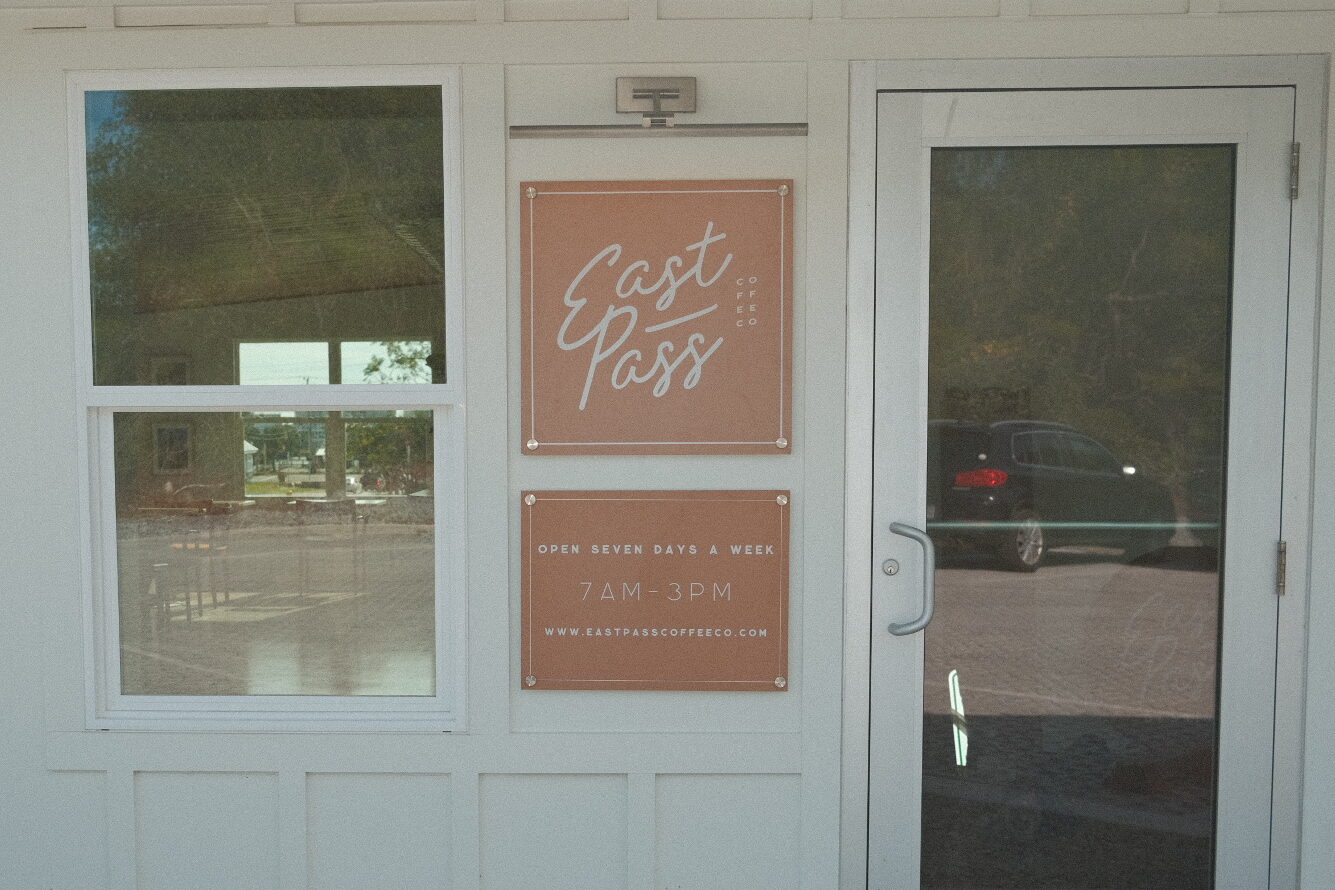
- Fancy alternatives to otherwise “normal” letters. For example, the font desinger might have made 3 different “t” letters: one with a normal length little cross, and another with an elongated cross section that swooshes to the right.
- Icons or symbols like an arrow or emoji
- Ligatures that automatically connect two letters in a decorative fashion. For example, the designer might make “ca” connect from the bottom of the c to the top of the a.
How do I access my font’s glyphs?
In order to view and be able to choose from glyph variations, you need to be using a program that is capable of reading the part of the font file that contains the glyphs. Programs such as Adobe Illustrator, Photoshop, and InDesign can read glyph files. Programs such as Microsoft PowerPoint and Word cannot immediately read glyphs, but you can download additional software to access these font elements.
To activate a glyph, you should highlight the letter or group of letters (not too many at one time!) that you want to see glyph variations for. If there are variations available, a small box will appear to the bottom right of your cursor. If this quick trick does not work, there is also detailed Glyph panels in Adobe programs and other design software.


